Getting Started
The SWEATEMPLE platform connects physical cycling hardware with a digital progression environment. Whether you are starting fresh or activating existing access, this is your starting point.
The Lit Bike
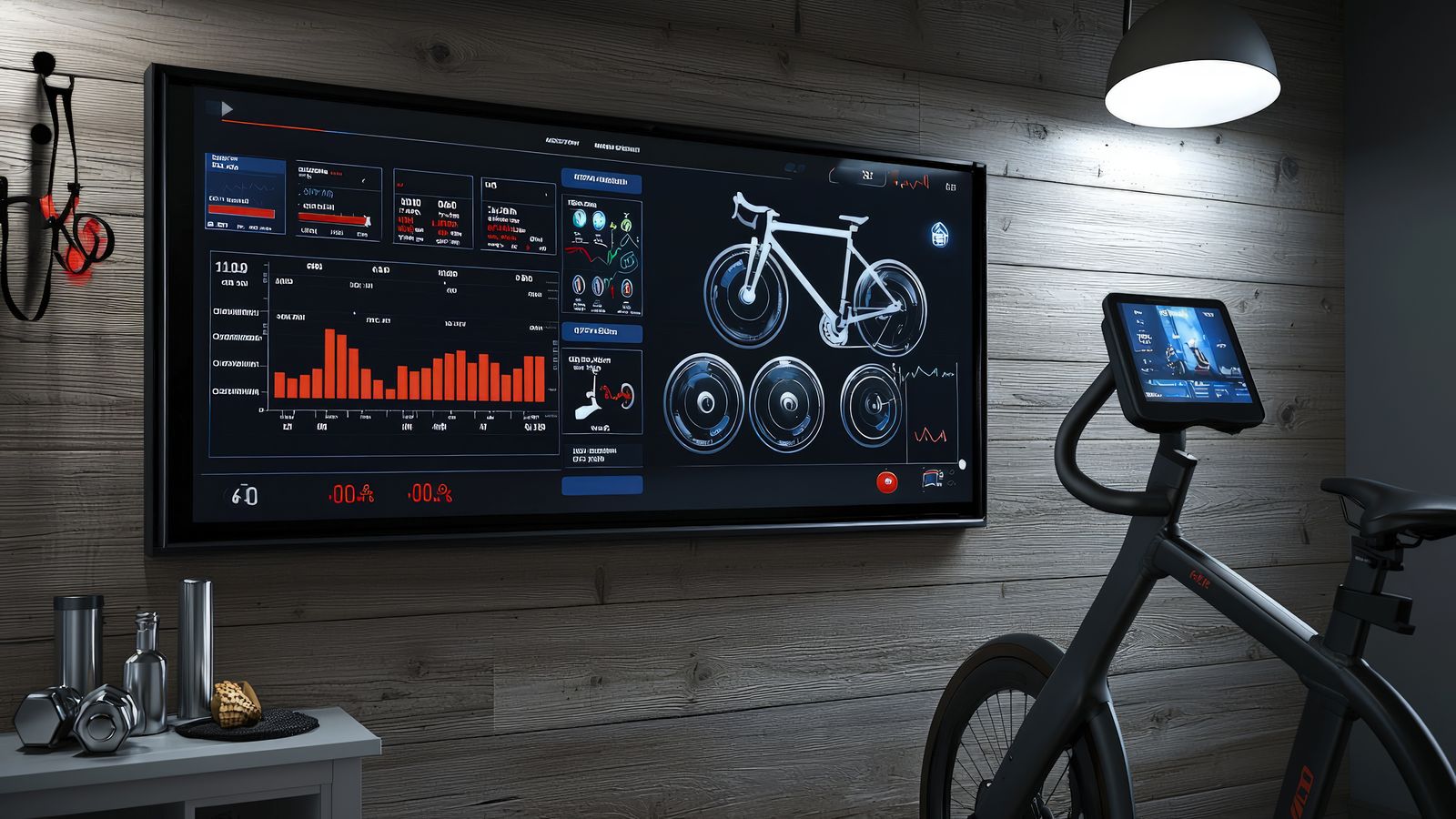
The hardware at the centre of the SWEATEMPLE experience. Connected indoor cycling with cadence tracking, resistance control, and platform integration.
Participation Paths
How platform access, asset ownership, and participation work. What was available in public sale phases and what that means for current entry.
Claim and Activate
Connect your wallet, verify eligibility, and activate platform access. Step-by-step claim guidance with troubleshooting for common issues.
Marketplace
Browse and manage platform assets. Items, components, and elements that expand your ride capability and progression options.
Setup Support
Hardware pairing, account setup, device compatibility, and platform access troubleshooting. Detailed guides for every step of the setup process.
What You Need to Get Started
Your Bike
The Lit Bike is the primary hardware for the SWEATEMPLE platform. It tracks cadence, monitors output, and connects the physical ride to the digital environment. If you already have a compatible connected bike, check the support page for pairing guidance.
Platform Access
Access is tied to account activation and asset ownership. Review the public sale page to understand how participation phases have worked and what current access paths look like.
Wallet and Claim
Some platform features require a connected wallet. The claim page walks through connection, eligibility verification, and common troubleshooting steps.
Ride and Earn
Once your setup is complete, physical ride effort feeds platform progression. Cadence, resistance, and session consistency are the primary inputs. See Ride and Earn for a full explanation of how this works.
Common Questions
- Do I need the Lit Bike to use the platform?
- The Lit Bike is the primary hardware designed for the SWEATEMPLE environment. Some platform sections may work with compatible connected bikes, but full feature access is designed around the Lit Bike experience. See the Lit Bike page for details.
- What is the claim process?
- Claiming activates your platform access and links your account to your eligible assets. The process involves wallet connection, eligibility verification, and activation confirmation. Full guidance is on the claim page.
- Is there a live checkout on this page?
- This hub provides setup guidance and participation context. Specific transaction or purchase flows are handled through the platform's own account and marketplace interfaces. See Marketplace for asset management.
- Where do I find support?
- The Support page covers hardware setup, account issues, claim troubleshooting, and device compatibility in detail.